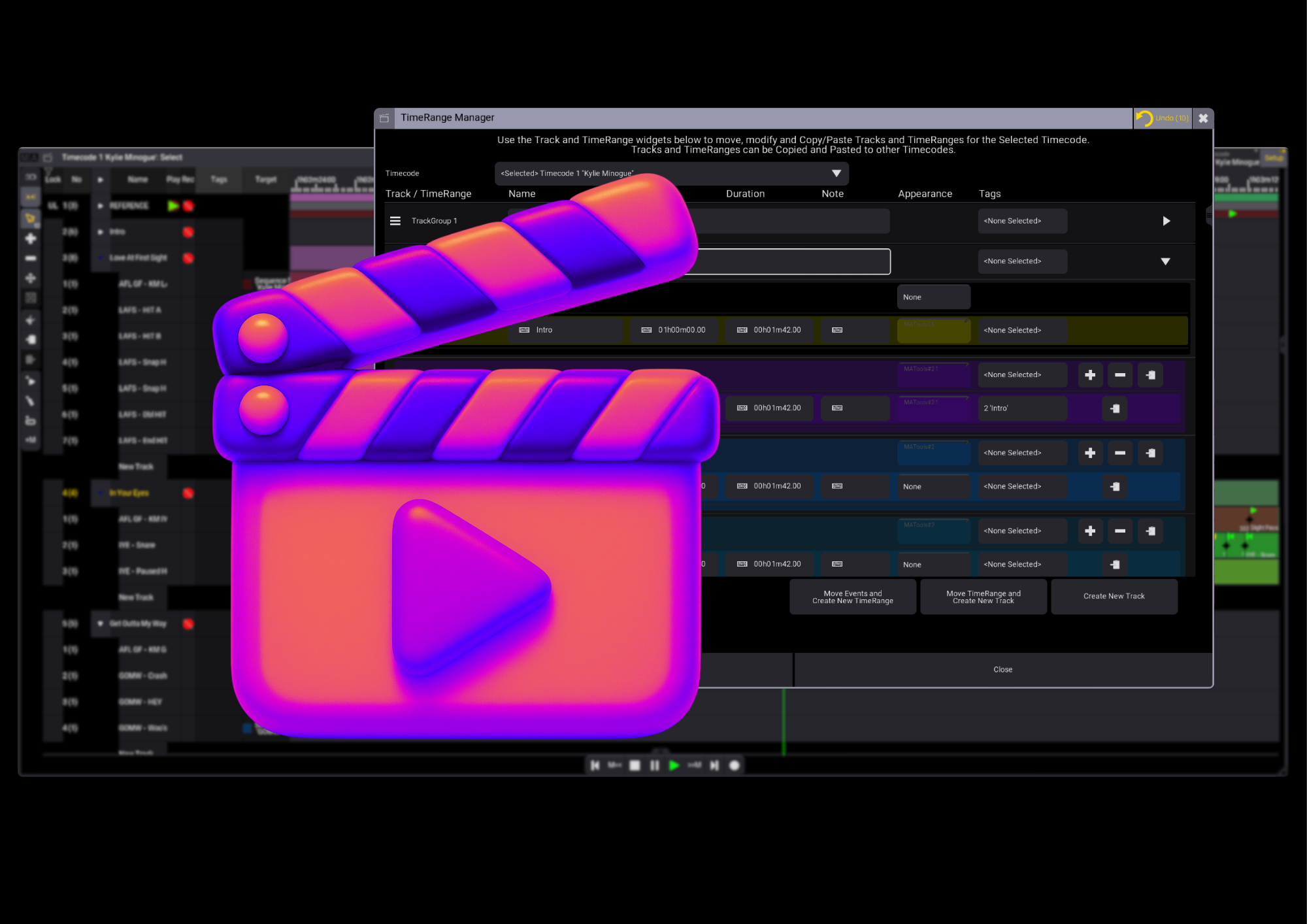
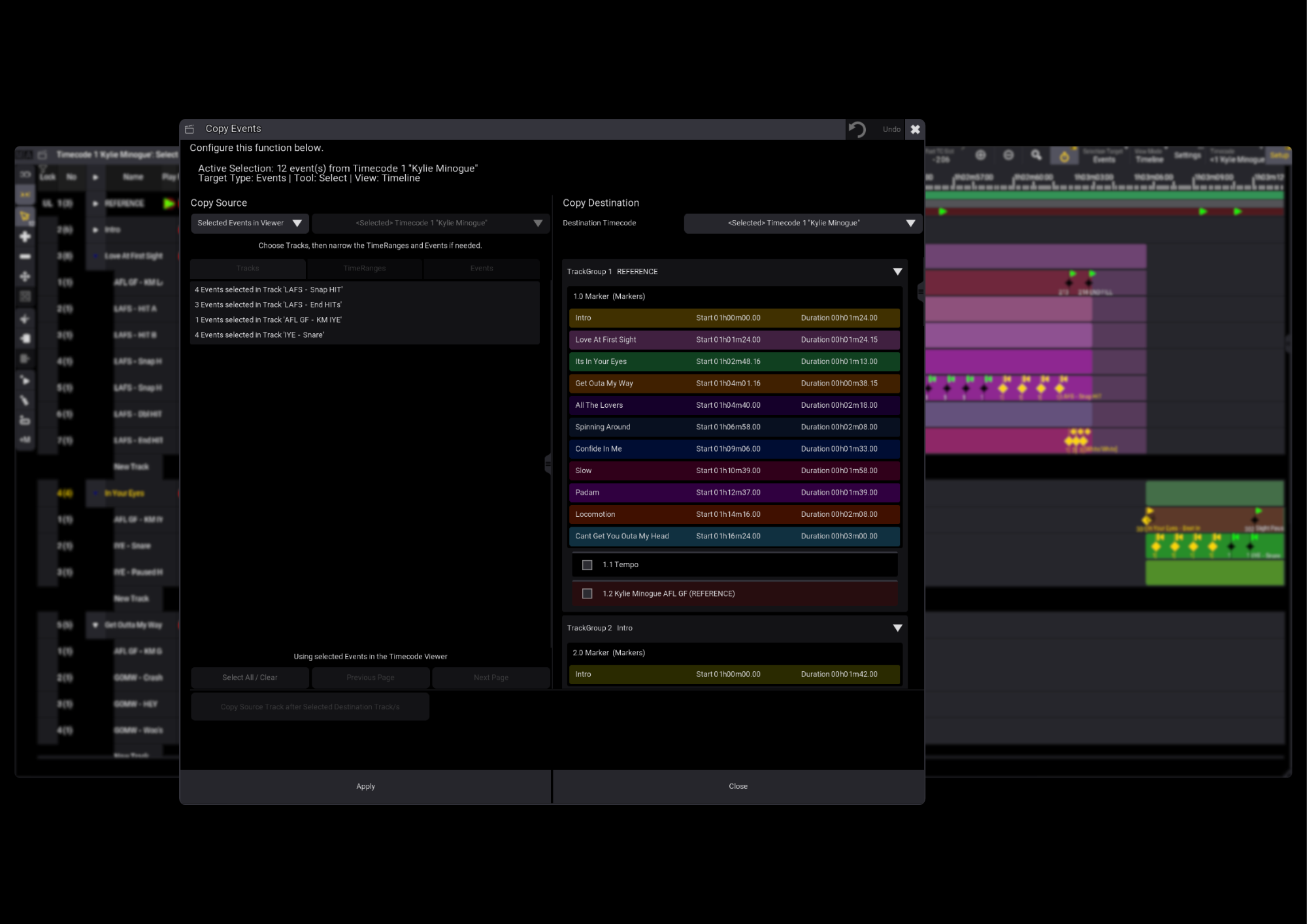
Timecode Assistant brings a smoother, more visual workflow to grandMA3. Move, copy and duplicate Tracks, TimeRanges and Events without digging through console syntax—whether you’re tidying up a show or adapting existing programming for the next one.
Drag, drop and get organised
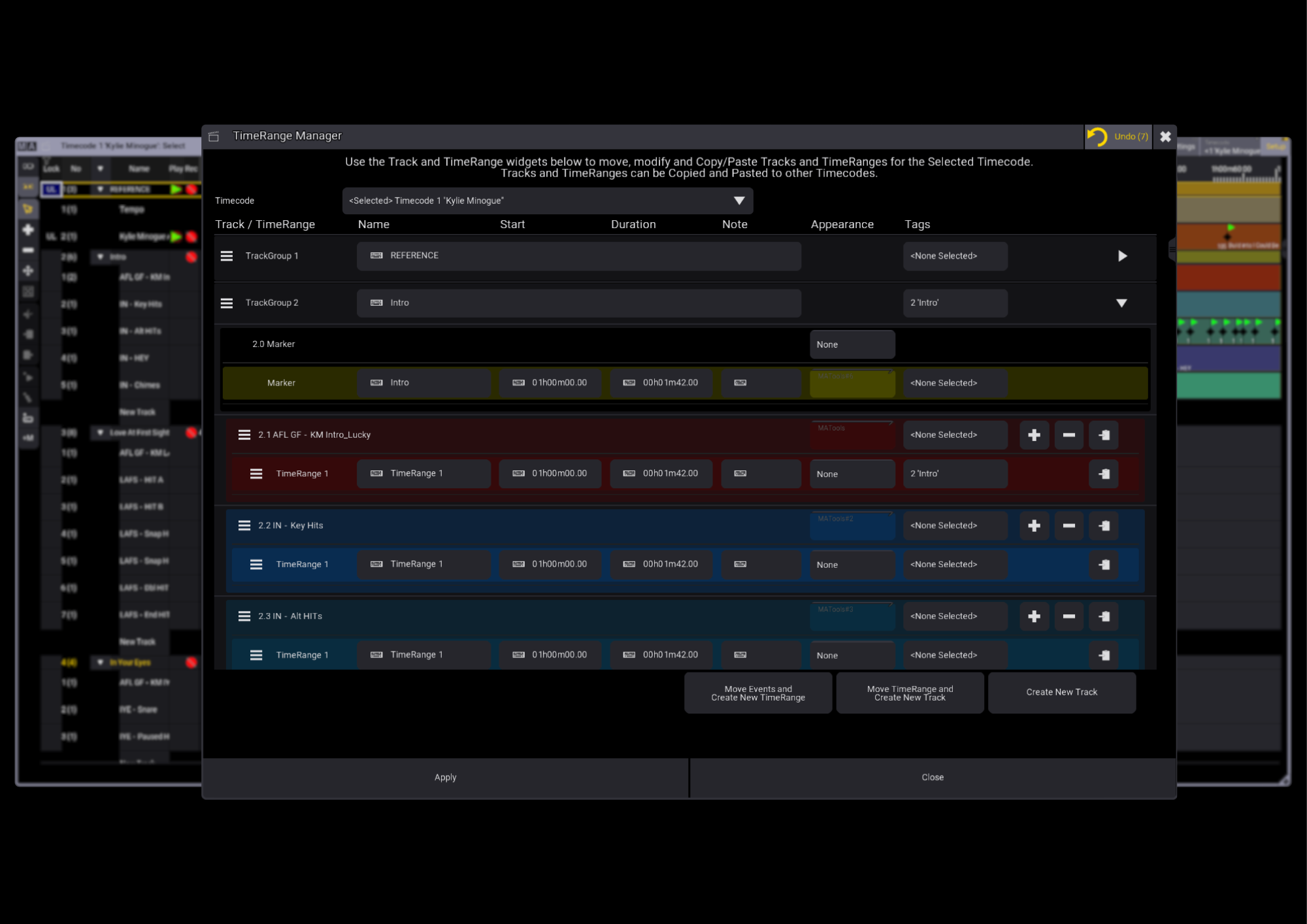
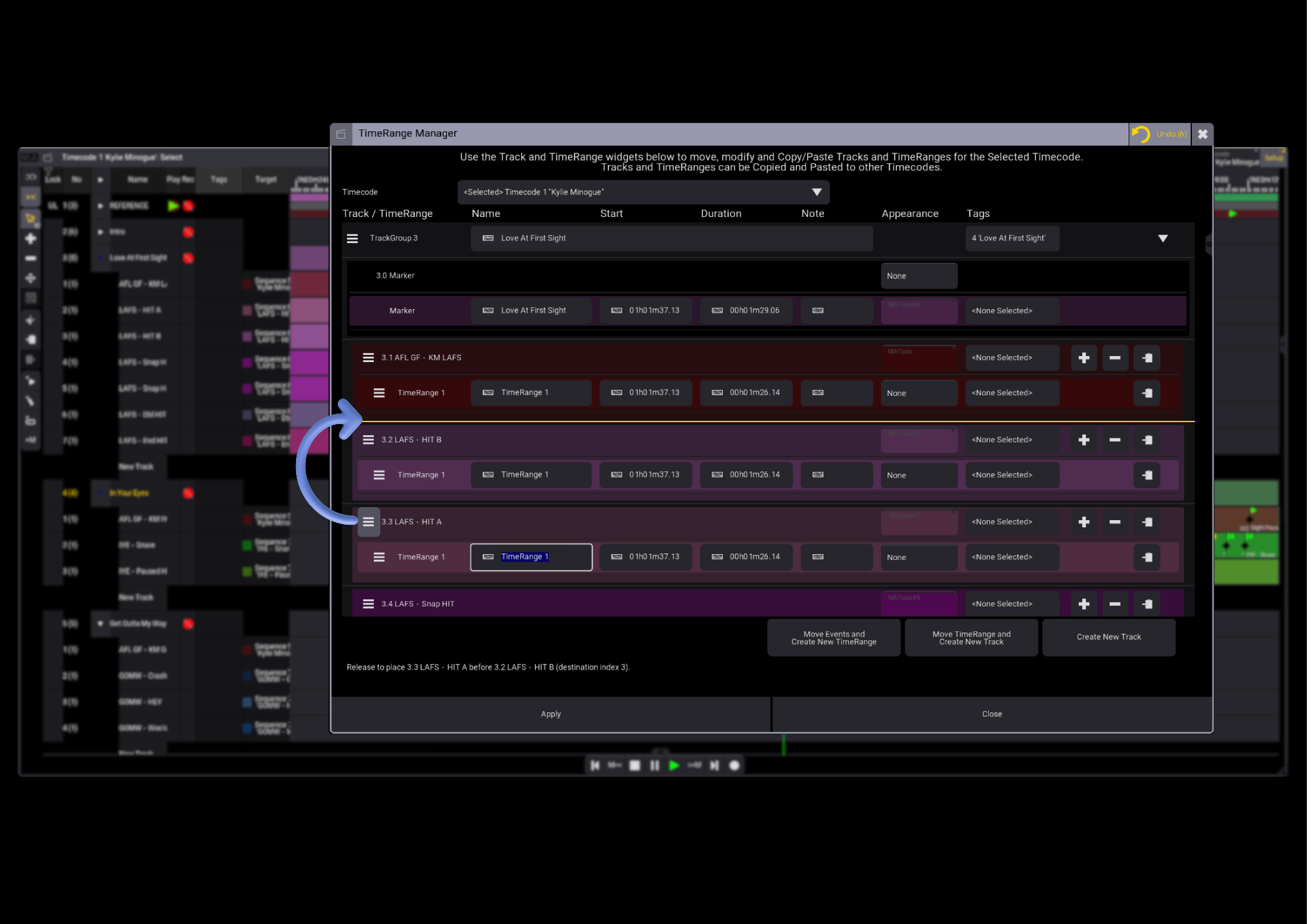
Move TrackGroups, Tracks and TimeRanges within your selected Timecode using the TimeRange Manager. Simply drag them where you want them.
Put your events where you need them
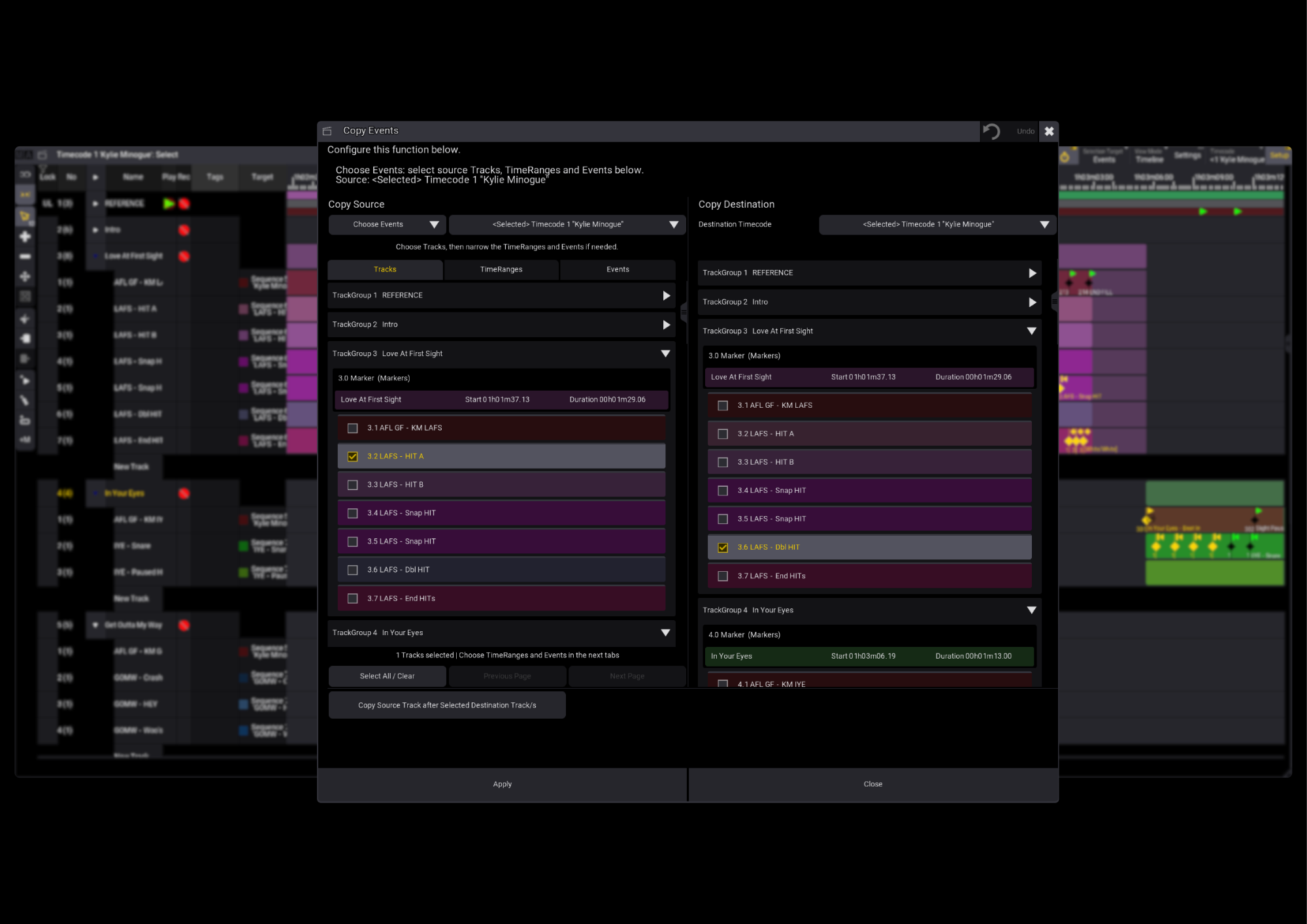
Select Events in the grandMA3 Timecode Viewer, then copy them to your chosen Track or TimeRange in the same or another Timecode.
Make your programming go further
Move or copy entire Tracks between Timecode pool objects, making it easier to reuse work you’ve already done.
Take control of cue assignments
Assign Cues in a repeating pattern, keep the source Cue assignments when copying Events, or assign all selected Events to a single Cue.
Less admin. More programming. That’s Timecode Assistant.
Explore the user guide below for detailed instructions.
Timecode Assistant brings a smoother, more visual workflow to grandMA3. Move, copy and duplicate Tracks, TimeRanges and Events without digging through console syntax—whether you’re tidying up a show or adapting existing programming for the next one.
Drag, drop and get organised
Move TrackGroups, Tracks and TimeRanges within your selected Timecode using the TimeRange Manager. Simply drag them where you want them.
Put your events where you need them
Select Events in the grandMA3 Timecode Viewer, then copy them to your chosen Track or TimeRange in the same or another Timecode.
Make your programming go further
Move or copy entire Tracks between Timecode pool objects, making it easier to reuse work you’ve already done.
Take control of cue assignments
Assign Cues in a repeating pattern, keep the source Cue assignments when copying Events, or assign all selected Events to a single Cue.
Less admin. More programming. That’s Timecode Assistant.
Explore the user guide below for detailed instructions.