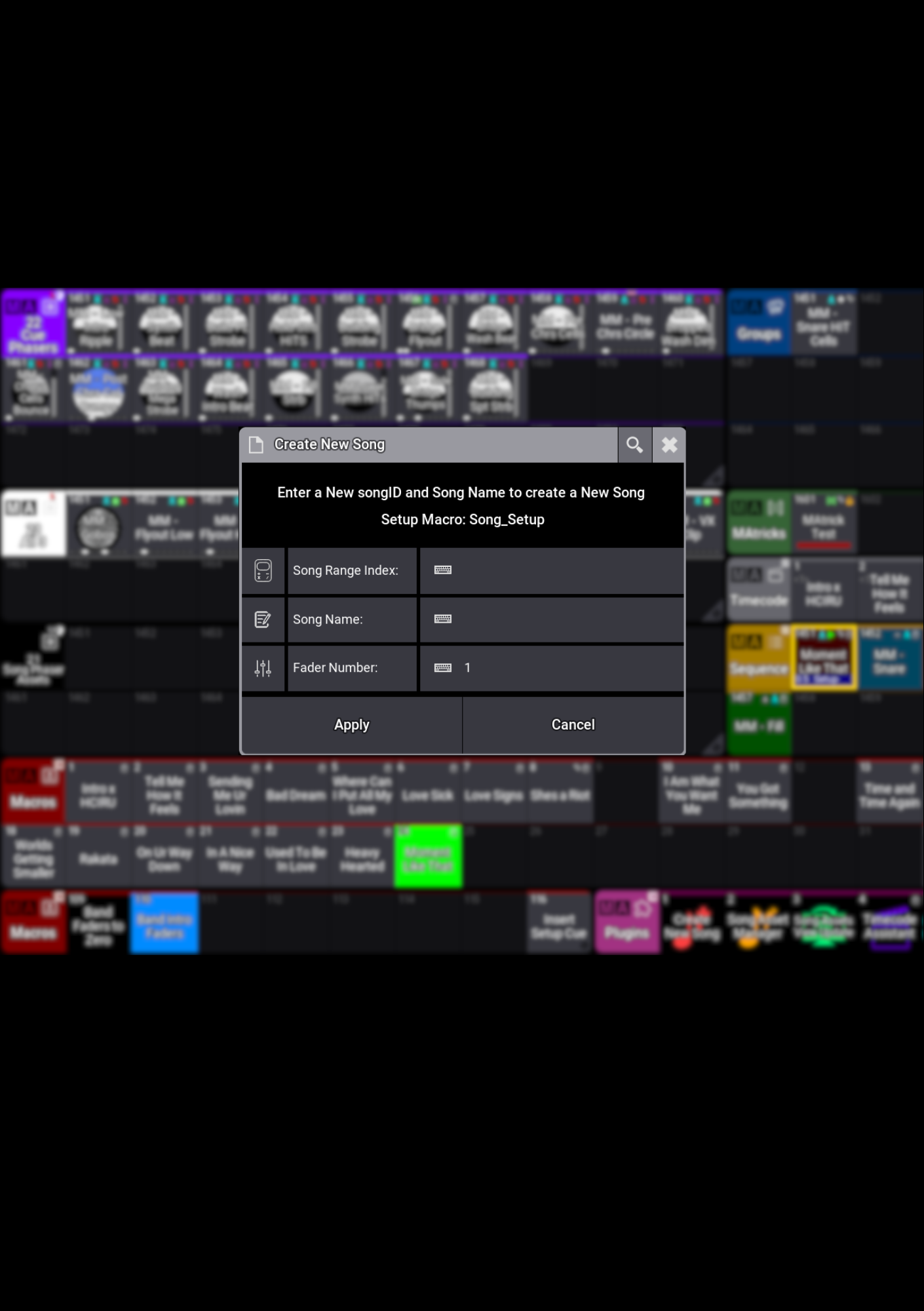
Create New Song builds an organised song structure in grandMA3, with named Trigger Macros, Pages, Sequences and Timecodes in one easy step. Designed with touring workflows in mind, it gives your programming a tidy home from the start.
Get your song ready to go
Create the Sequence, Pages, Timecodes and Trigger Macros your song needs without building and naming everything individually.
Keep your assets together
Create New Song sets up the Song Assets View if it isn’t already present, giving you an organised place for Presets, Sequences and the other assets used in your songs.
Bring the right programming into view
The included Song Assets View Update plugin updates your view when you use a Song Trigger Macro, keeping that song’s assets within reach.
Build your show your way
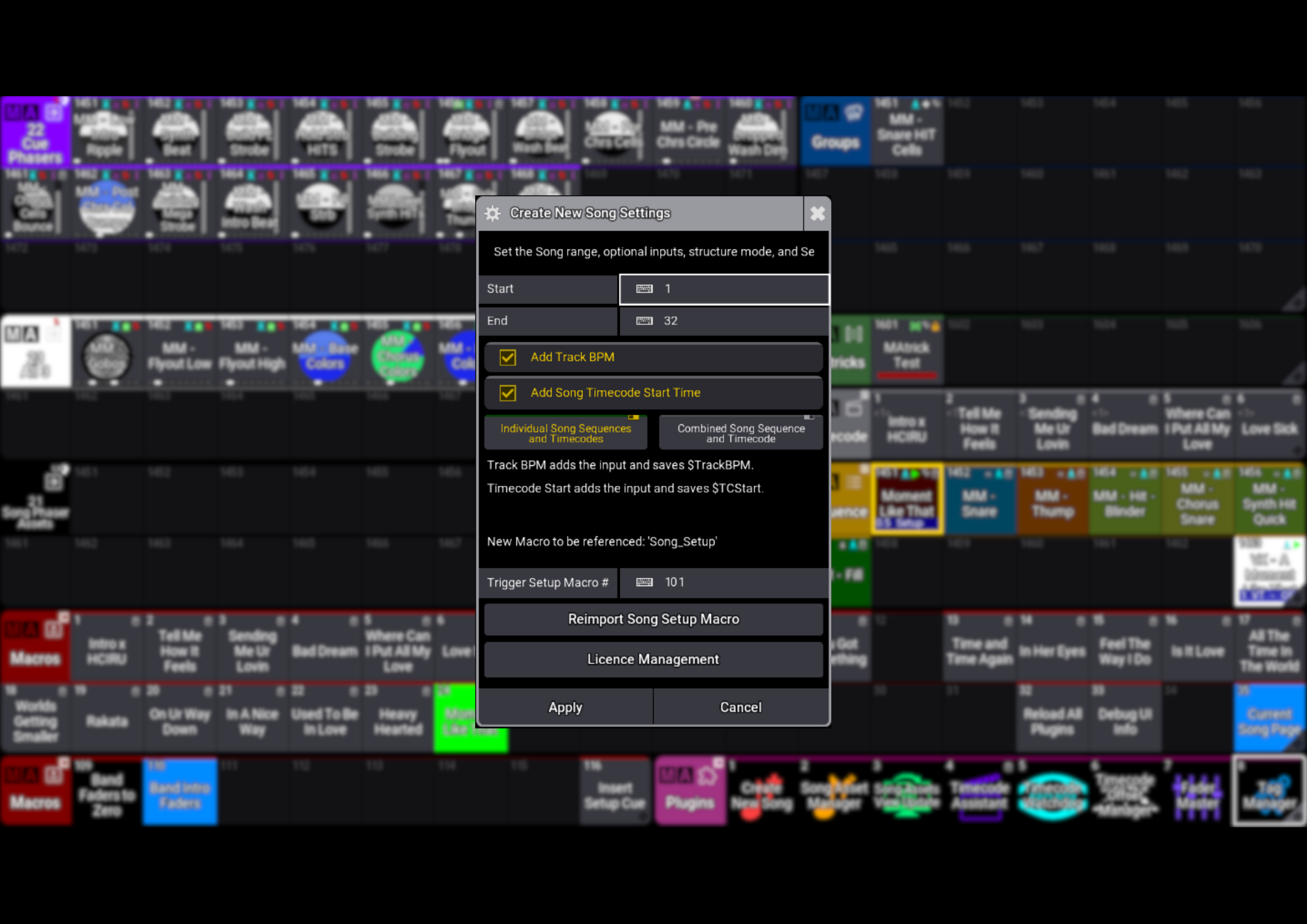
Give each song its own Sequence and Timecode, or work with a combined master Sequence and Timecode. In the combined workflow, Song Trigger Macros use Tags to navigate to the right Cue, position the Timecode cursor to the right time and bring the song’s assets into view.
Take your workflow further
Add Song Asset Manager for more ways to manage and navigate your song programming. Available separately or together in the Song Tools Package.
Less setup. More programming. That’s Create New Song.
Create New Song builds an organised song structure in grandMA3, with named Trigger Macros, Pages, Sequences and Timecodes in one easy step. Designed with touring workflows in mind, it gives your programming a tidy home from the start.
Get your song ready to go
Create the Sequence, Pages, Timecodes and Trigger Macros your song needs without building and naming everything individually.
Keep your assets together
Create New Song sets up the Song Assets View if it isn’t already present, giving you an organised place for Presets, Sequences and the other assets used in your songs.
Bring the right programming into view
The included Song Assets View Update plugin updates your view when you use a Song Trigger Macro, keeping that song’s assets within reach.
Build your show your way
Give each song its own Sequence and Timecode, or work with a combined master Sequence and Timecode. In the combined workflow, Song Trigger Macros use Tags to navigate to the right Cue, position the Timecode cursor to the right time and bring the song’s assets into view.
Take your workflow further
Add Song Asset Manager for more ways to manage and navigate your song programming. Available separately or together in the Song Tools Package.
Less setup. More programming. That’s Create New Song.