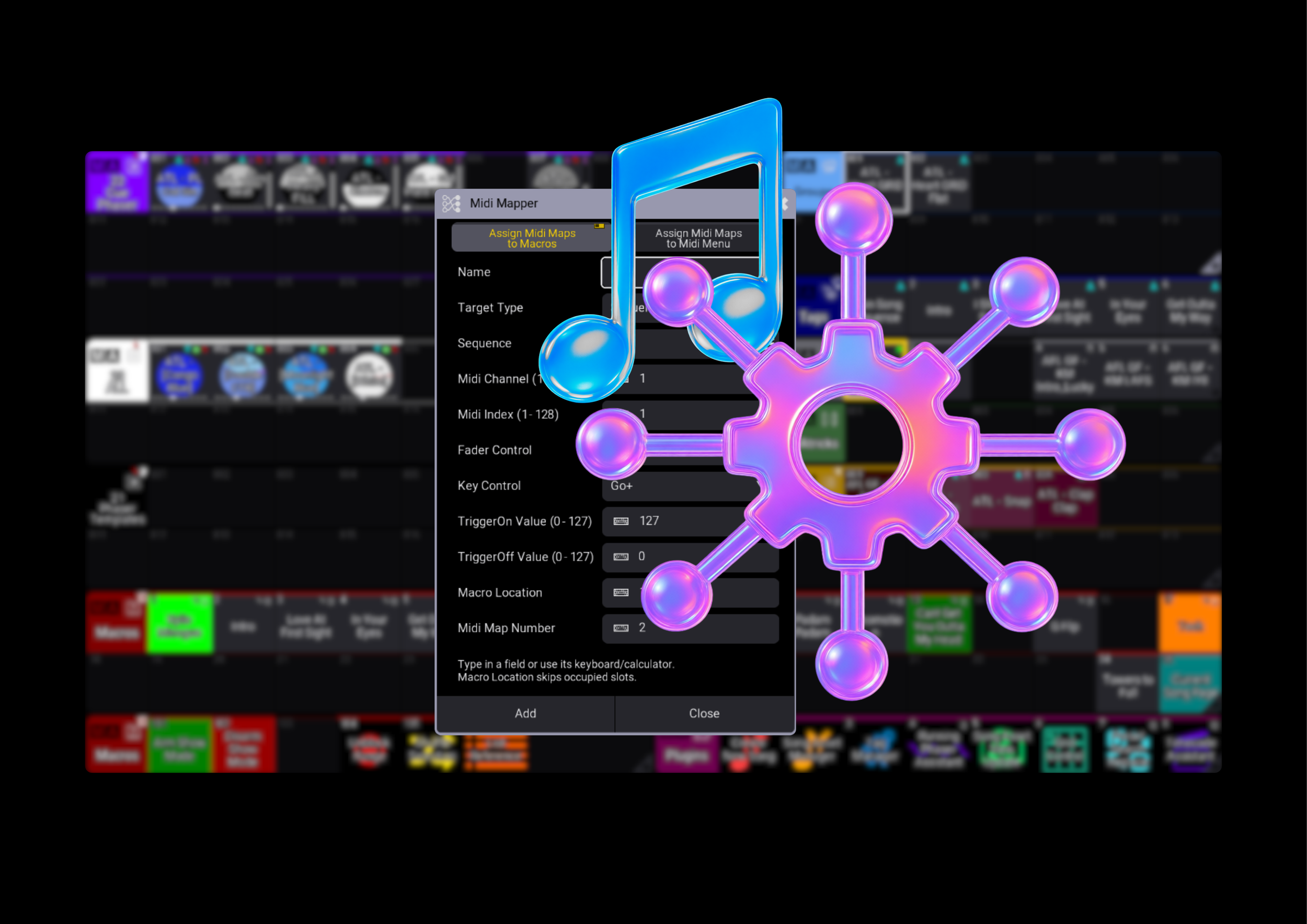
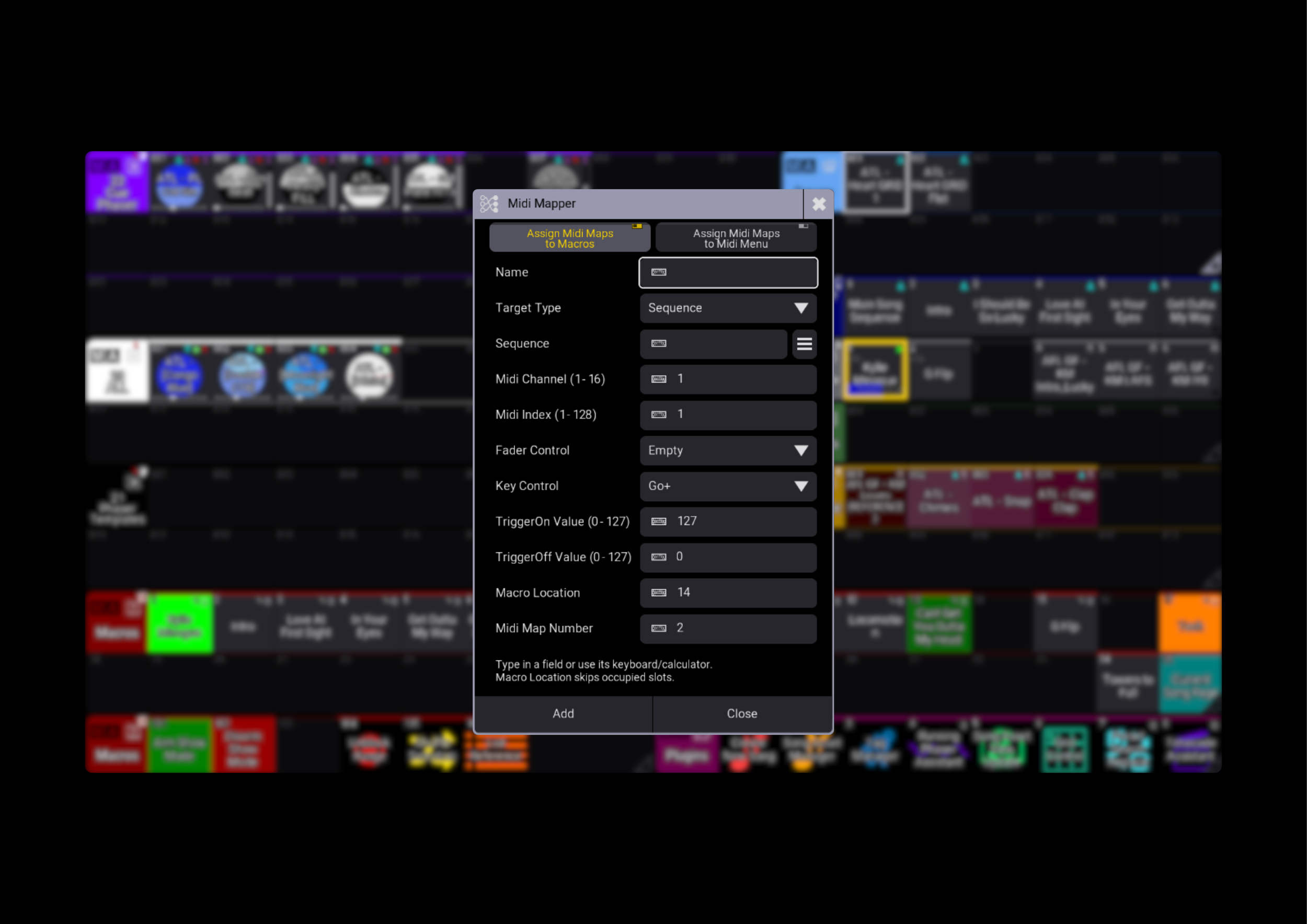
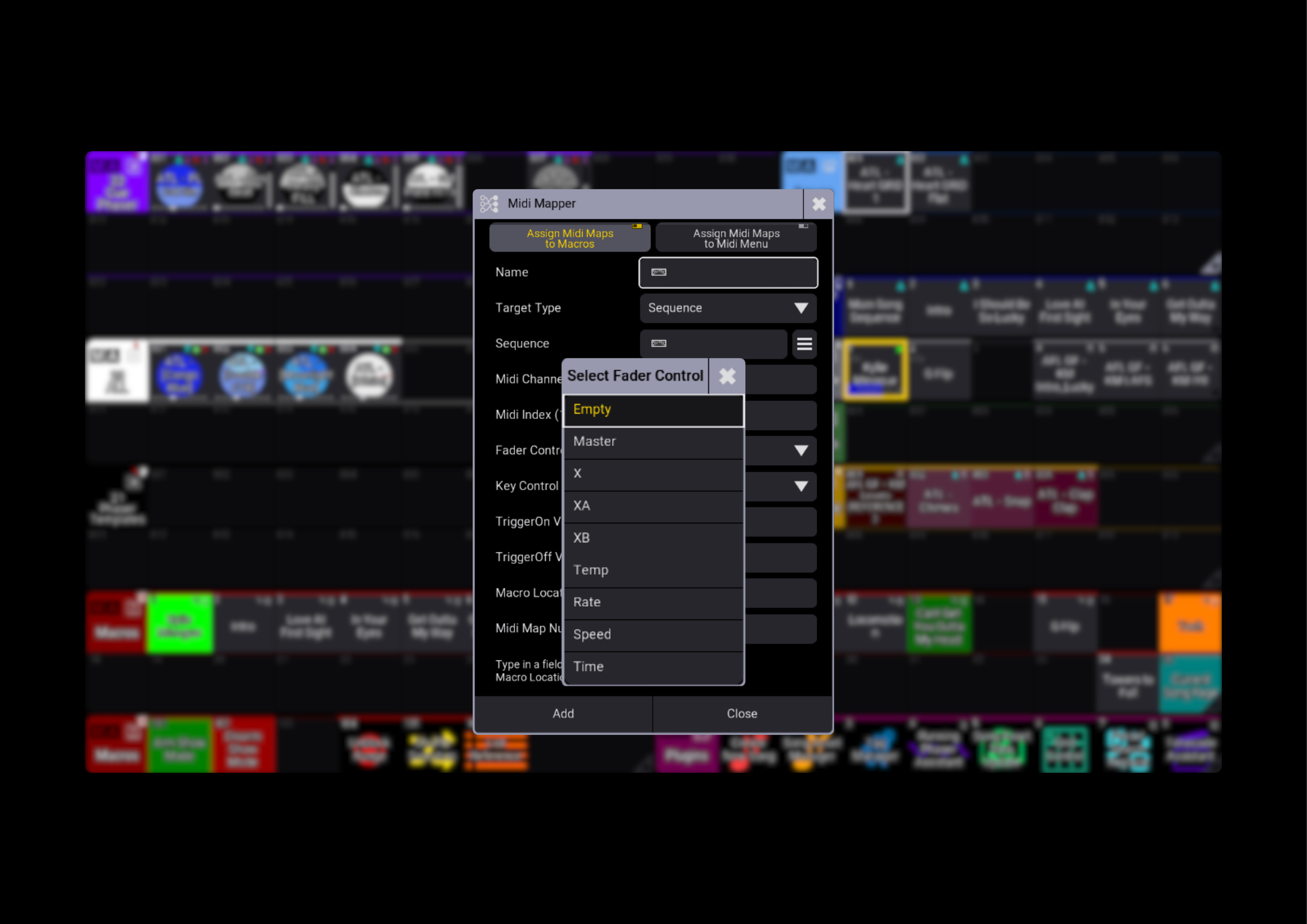
Midi Mapper simplifies MIDI setup in grandMA3, bringing target selection, MIDI settings and Macro creation into one window. Create Macros that recall your mapping settings, or build MIDI Remote entries with matching Macros to enable them.
Choose your way to map
Create mapping Macros that apply your chosen settings to a MIDI Remote line when run. Multiple Macros can target the same line, letting you change what a MIDI control operates as your show needs change.
Prefer to prepare separate mappings? Create MIDI Remote entries directly, each with a matching Macro that disables all MIDI Remote lines before enabling its associated entry.
Find the right target
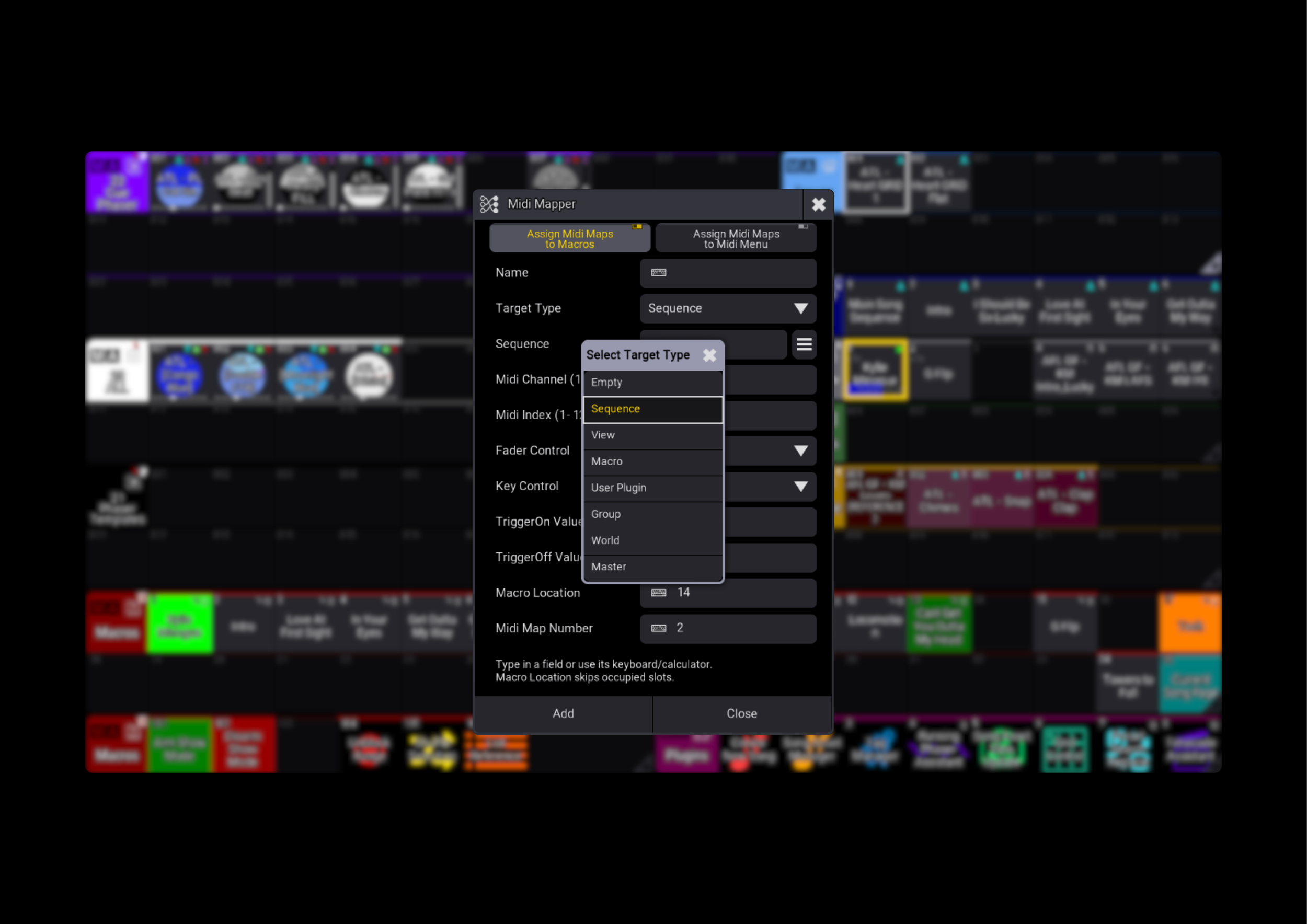
Choose from the target types supported by your console’s native MIDI Assignment Editor, including Sequences, Views, Macros, User Plugins, Groups, Worlds and Masters. Search by number or name, with Masters organised into category tabs for easier browsing.
Keep the settings together
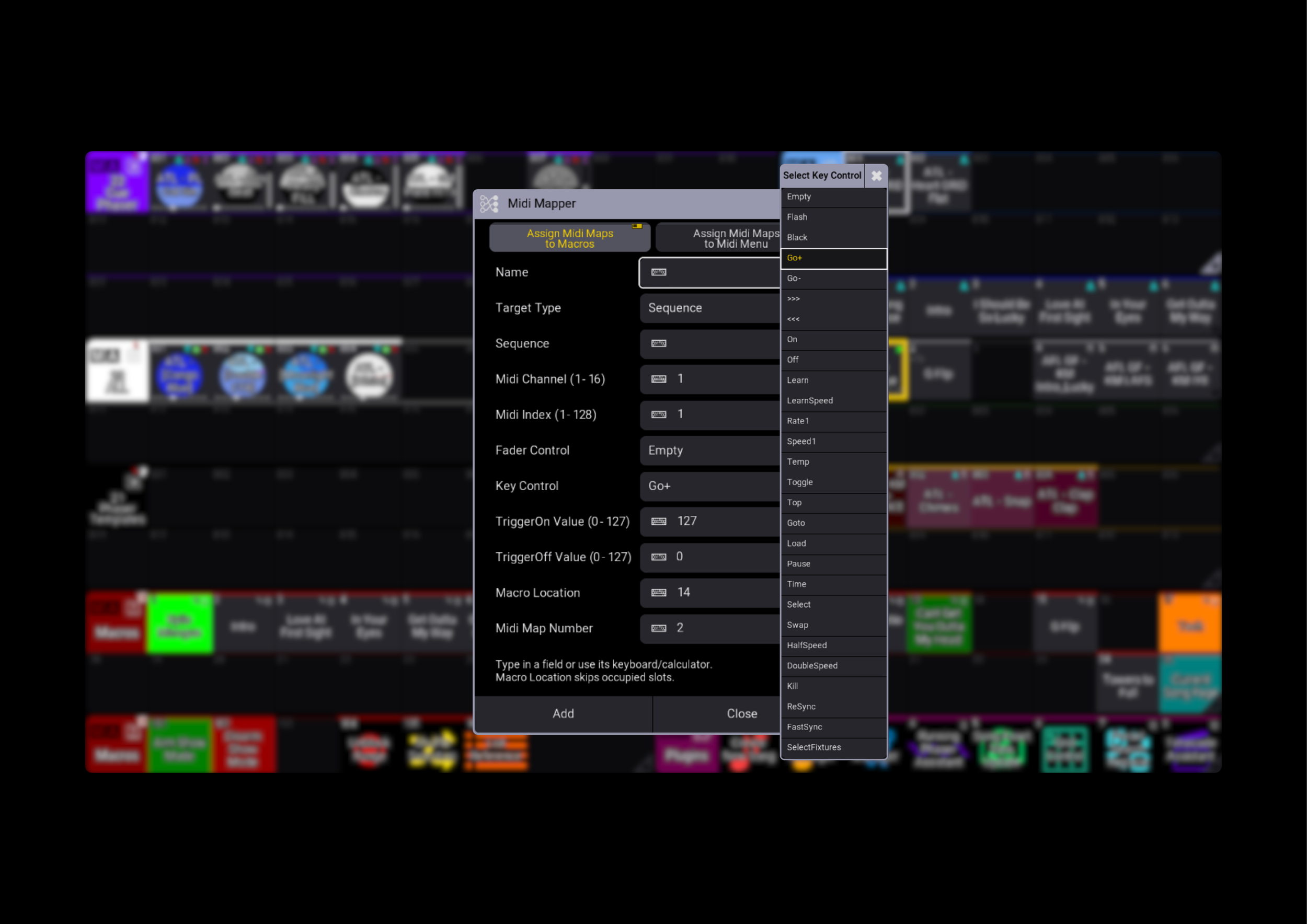
Set the MIDI Channel, MIDI Index, Trigger On and Trigger Off values, then choose the available Fader and Key actions for your target. Midi Mapper follows the selected object’s native capabilities, keeping the available actions relevant to your assignment.
Build without losing your place
Keep your selected target and mapping settings between additions. Midi Mapper finds available Macro slots and gives duplicate Macro names a numbered suffix, helping you build your mappings without replacing existing Macros.
Less setup. More control. That’s Midi Mapper.
Midi Mapper simplifies MIDI setup in grandMA3, bringing target selection, MIDI settings and Macro creation into one window. Create Macros that recall your mapping settings, or build MIDI Remote entries with matching Macros to enable them.
Choose your way to map
Create mapping Macros that apply your chosen settings to a MIDI Remote line when run. Multiple Macros can target the same line, letting you change what a MIDI control operates as your show needs change.
Prefer to prepare separate mappings? Create MIDI Remote entries directly, each with a matching Macro that disables all MIDI Remote lines before enabling its associated entry.
Find the right target
Choose from the target types supported by your console’s native MIDI Assignment Editor, including Sequences, Views, Macros, User Plugins, Groups, Worlds and Masters. Search by number or name, with Masters organised into category tabs for easier browsing.
Keep the settings together
Set the MIDI Channel, MIDI Index, Trigger On and Trigger Off values, then choose the available Fader and Key actions for your target. Midi Mapper follows the selected object’s native capabilities, keeping the available actions relevant to your assignment.
Build without losing your place
Keep your selected target and mapping settings between additions. Midi Mapper finds available Macro slots and gives duplicate Macro names a numbered suffix, helping you build your mappings without replacing existing Macros.
Less setup. More control. That’s Midi Mapper.