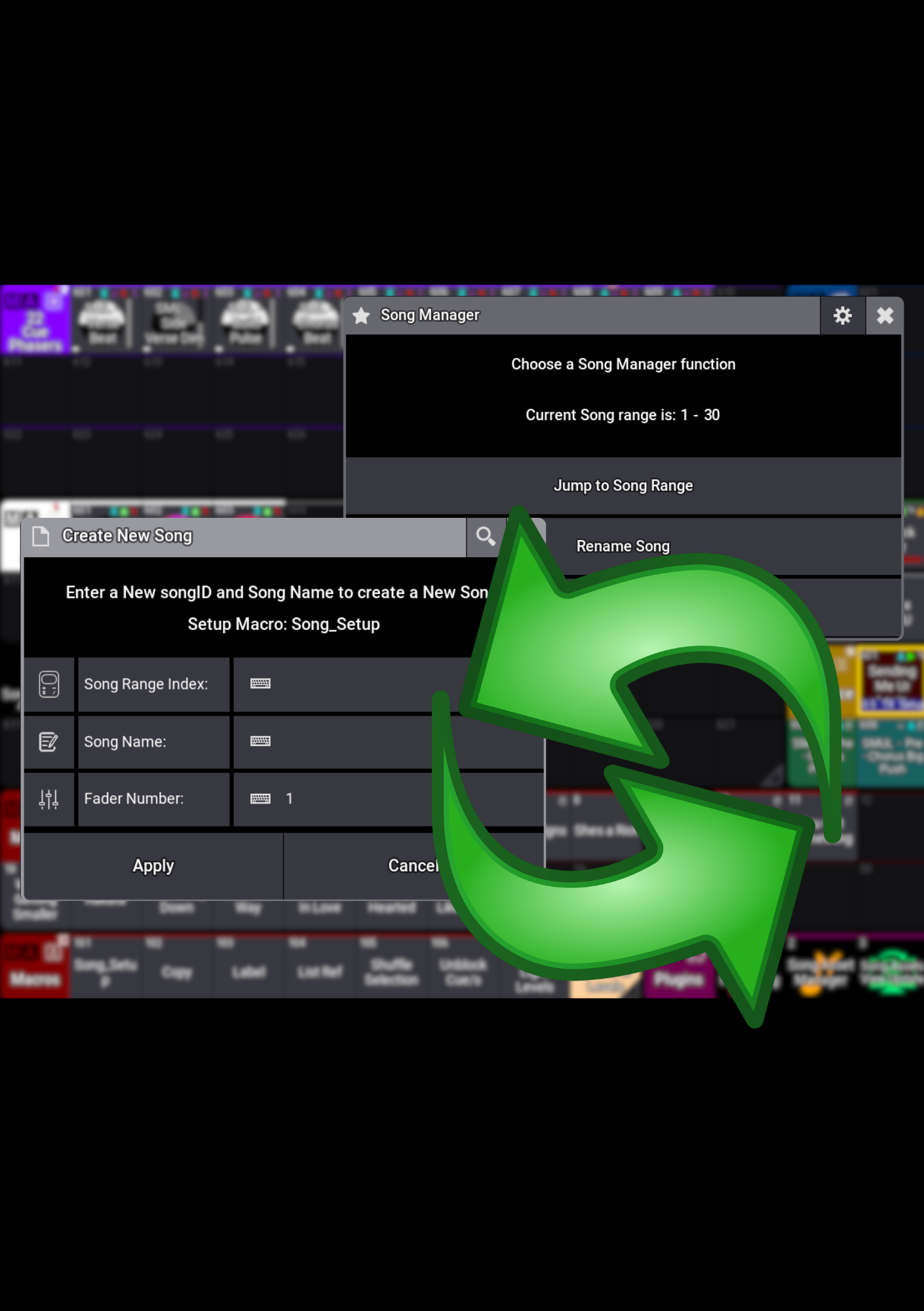
The Song Tools Package brings Create New Song, Song Assets View Update and Song Asset Manager together for a smoother grandMA3 programming workflow. Set up your song assets, keep them within reach and make changes as your show evolves—all with tools designed to work together.
Give every song a great start
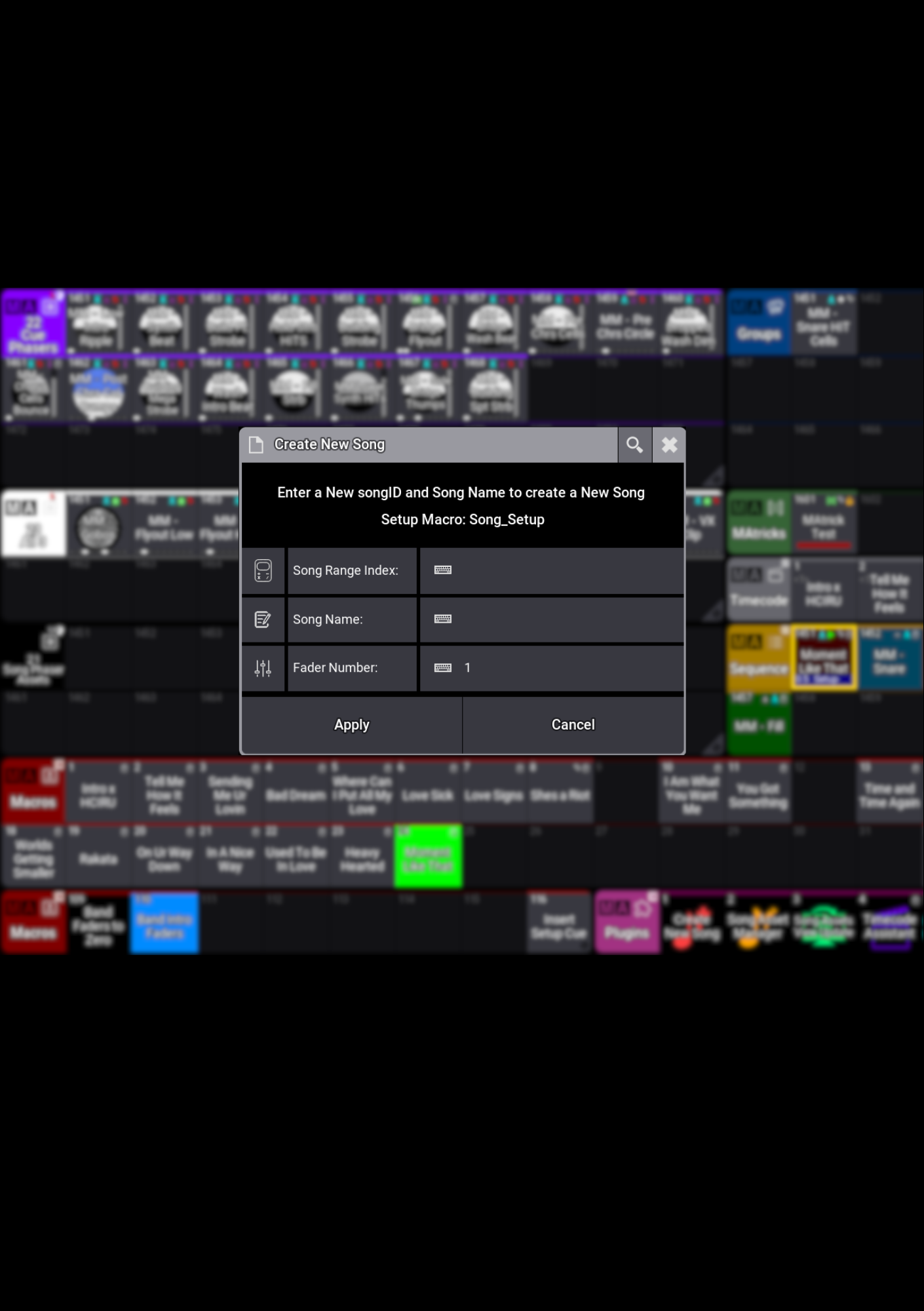
Use Create New Song to set up programming assets for your songs, including Presets, Sequences, Groups, MAtricks and Generators. Get organised and get straight into programming.
Keep your programming in view
Song Assets View Update keeps your pool views focused on the selected song’s assets, so you can find what you need and keep the ideas flowing.
Stay in control as your show grows
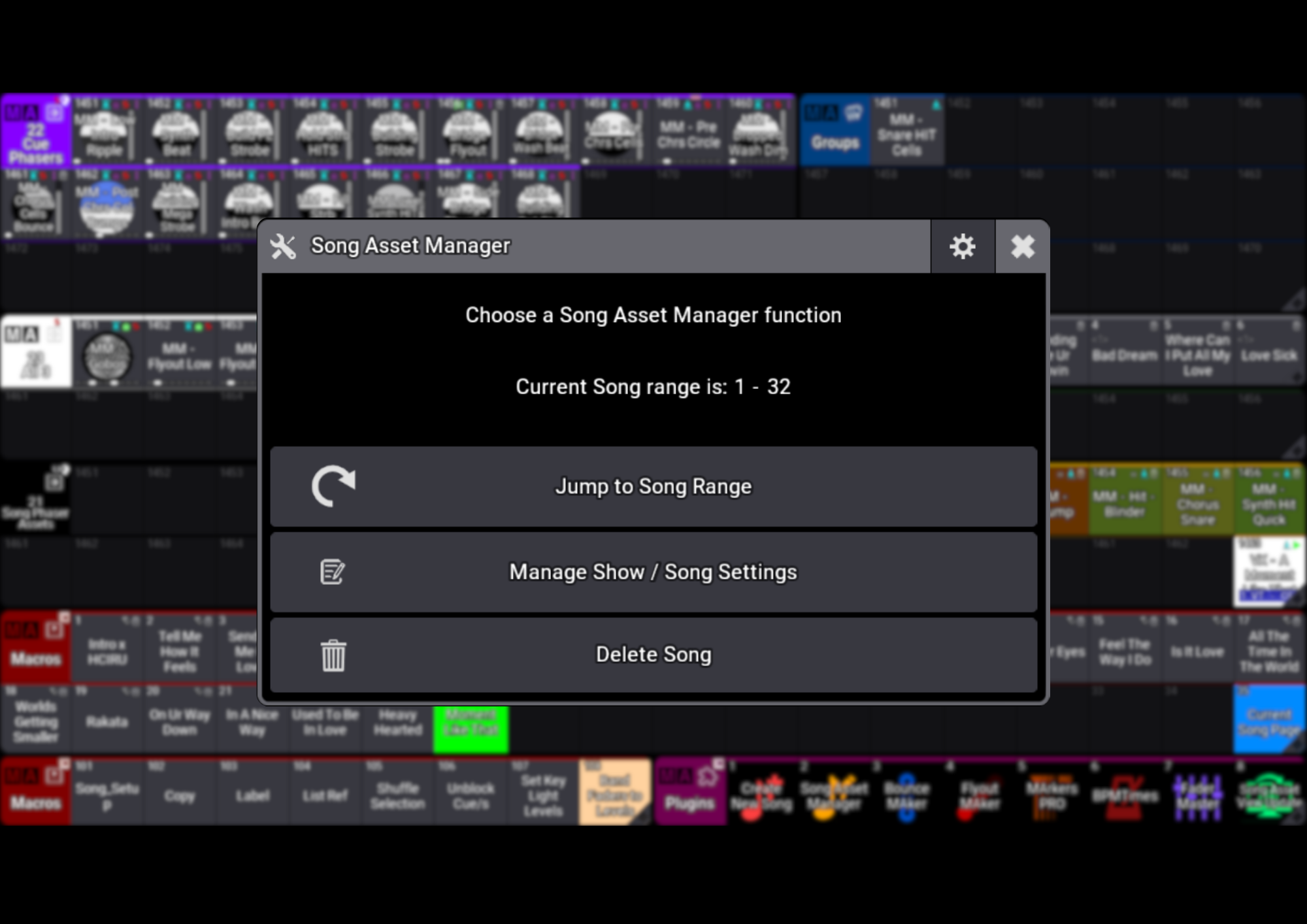
Use Song Asset Manager to rename or delete song assets, update BPM and timecode start times, and browse another song’s programming while your current song continues playing.
Make your programming go further
Find the assets you want to reuse and copy them into your current song’s pool range. Build on the work you’ve already done and keep your workflow moving.
Less admin. More creativity. That’s the Song Tools Package.
Explore the individual Create New Song and Song Asset Manager pages below for a closer look at what’s included.
The Song Tools Package brings Create New Song, Song Assets View Update and Song Asset Manager together for a smoother grandMA3 programming workflow. Set up your song assets, keep them within reach and make changes as your show evolves—all with tools designed to work together.
Give every song a great start
Use Create New Song to set up programming assets for your songs, including Presets, Sequences, Groups, MAtricks and Generators. Get organised and get straight into programming.
Keep your programming in view
Song Assets View Update keeps your pool views focused on the selected song’s assets, so you can find what you need and keep the ideas flowing.
Stay in control as your show grows
Use Song Asset Manager to rename or delete song assets, update BPM and timecode start times, and browse another song’s programming while your current song continues playing.
Make your programming go further
Find the assets you want to reuse and copy them into your current song’s pool range. Build on the work you’ve already done and keep your workflow moving.
Less admin. More creativity. That’s the Song Tools Package.
Explore the individual Create New Song and Song Asset Manager pages below for a closer look at what’s included.